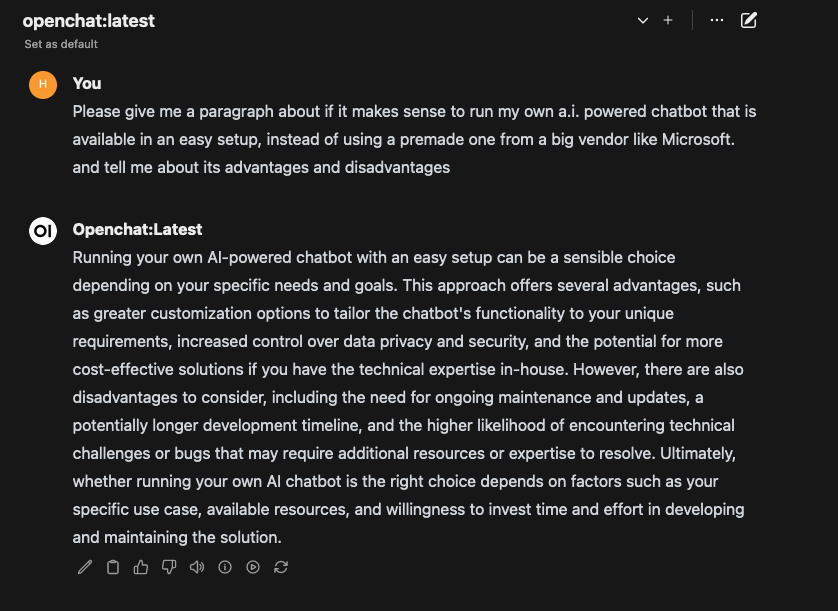
Checked live 2026-11-28: the Open WebUI instance at chat.handtrixxx.com responds. Setup details as recorded at the page date.
Language models
Without a GPU on the host, the choice of language models is limited.
| Name | Type | Context | File size | Performance | Quality | Published | Publisher |
|---|---|---|---|---|---|---|---|
| deepseek-r1:8b-llama-distill-q4_K_M | ? | ? | ? | ? | Deepseek (MIT) | ||
| deepseek-coder-v2:16b-lite-base-q2_K | ? | ? | ? | ⭐⭐ | ⭐ | ? | Deepseek (MIT) |
| deepseek-r1:8b-llama-distill-q4_K_M | ⭐ (6.2 Tokens/s) | ⭐⭐ | Deepseek (MIT) | ||||
| gemma3:1b | ⭐⭐⭐⭐ (30.7 Tokens/s) | ⭐⭐ | |||||
| qwen3.5:9b | Text, Image | 256K | 6.6GB | - | - | 2026-03 | Alibaba |
| qwen3.5:4b | Text, Image | 256K | 3.4GB | - | - | 2026-03 | Alibaba |
| qwen3.5:2b | Text, Image | 256K | 2.7GB | ⭐⭐ (9.6 Tokens/s) | ⭐⭐⭐ | 2026-03 | Alibaba |
| qwen2.5-coder:3b | Text | 32k | 2.7GB | ⭐⭐⭐⭐ (38.2 Tokens/s) | ⭐⭐ | 2025-07 | Alibaba |
Installation and configuration
The guys from the "Open WebUI" project made it extremely easy to get your chatbot running. Basically you just create a new docker-compose.yml file like the one in the example below and start the thing as usual by the command "docker compose up -d". That's it, no joke!
services:
  chat:
    container_name: chat
    image: ghcr.io/open-webui/open-webui:ollama
    volumes:
      - ./ollama:/root/.ollama
      - ./open-webui:/app/backend/data
    restart: unless-stopped
    #ports:
    #  - 8080:8080
    networks:
      caddy:
networks:
  caddy:
    external: true
In the example file the network configuration is adjusted and the reverse proxy caddy is set up to point chat.handtrixxx.com at the new container. As the following screenshot shows, you can click on "Sign up" to create a new user account for yourself as administrator.
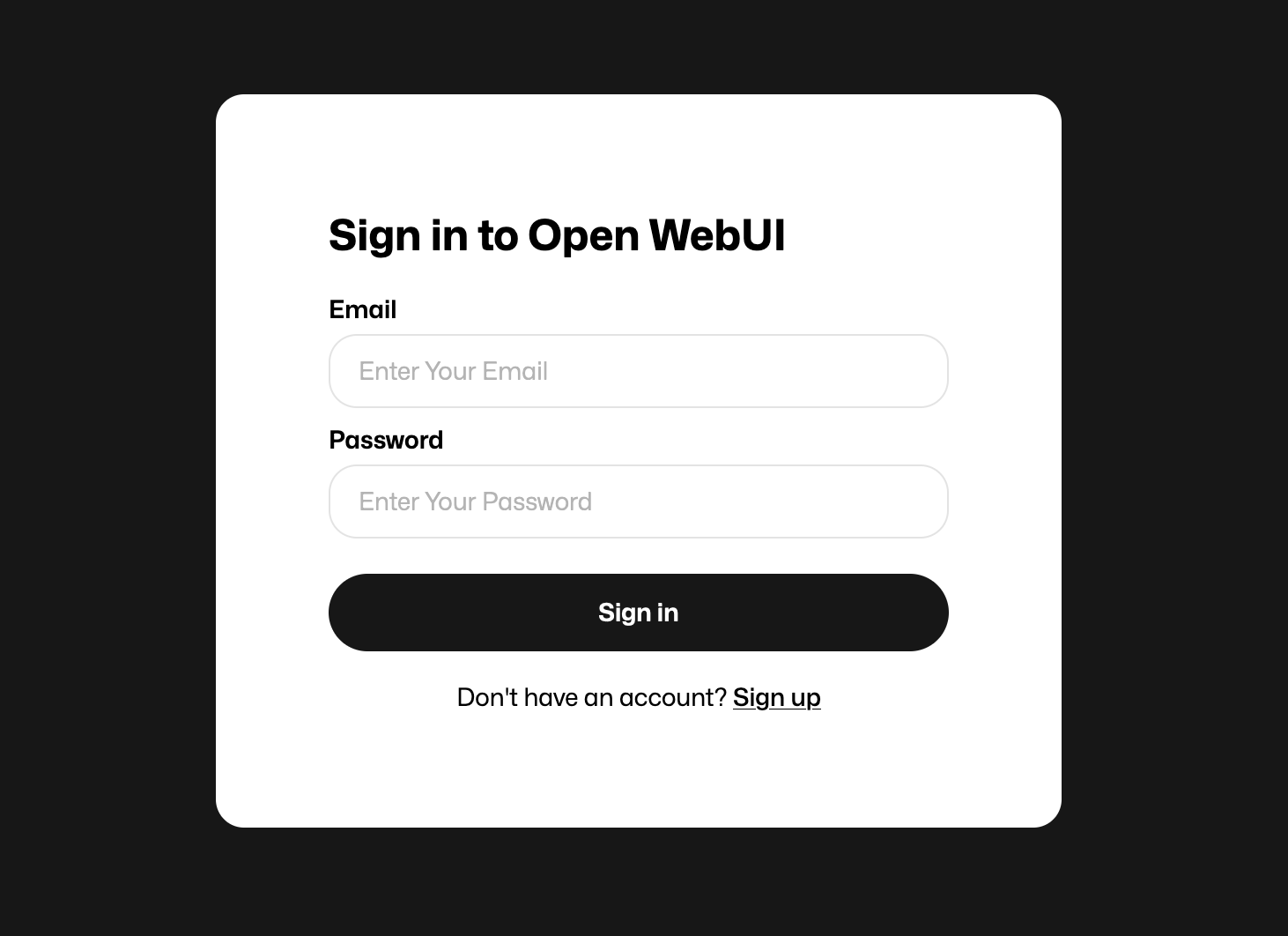
Now, after you logged in, there are just two steps more to do to start your AI chats. At first you should go to the admin panel and then to "Admin settings" to disable registration for other users, so that other users cannot just create an account on your instance. Then in the settings, at the models tab, you have to download one or more language models. There are plenty to choose from. An overview is available at https://ollama.com/library. You are done – and as you can see it does not have to take more than 5 minutes if you are a bit experienced with docker and setting up tools in general.
Costs
Everything described here is open-source software, so there are no costs or licensing fees. Not entirely free, though: the server must be paid for if one is not already running.
Performance
As noted, a dedicated graphics card would speed up response times tremendously. Running on CPU only, response generation occupies the full CPU for some seconds per answer – comparable to the early ChatGPT versions. Acceptable, but noticeable.
Conclusion
Conclusion – the OpenChat model answering the setup prompt: