Immich
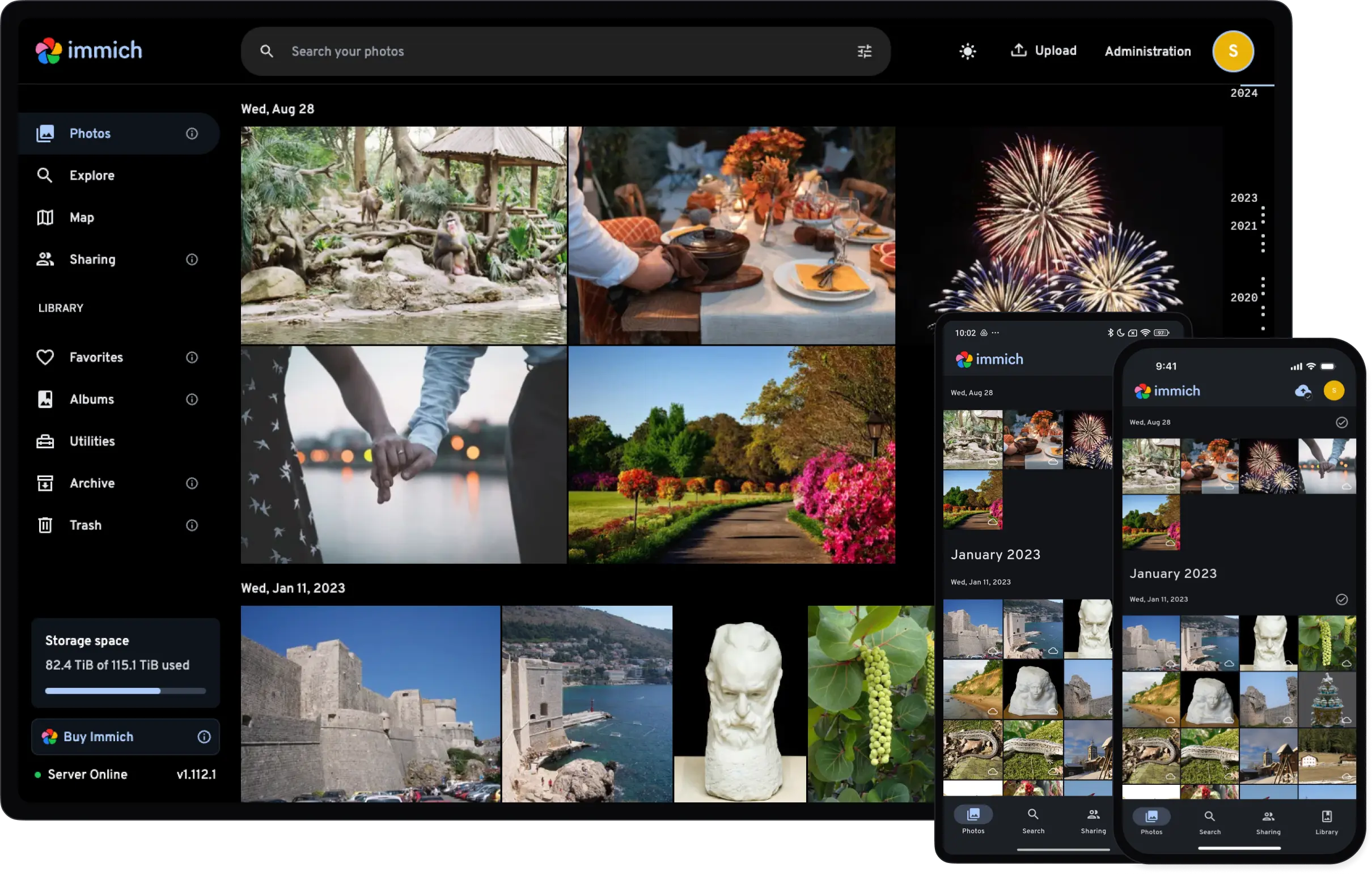
Immich ist Google / Apple Fotos souverän selbst gehostet, mit fast allen von dort bekannten Features.
Konkret bedeutet das, dass die Bilder die wir auf dem Handy machen, automatisch zu Immich hochgeladen werden und dort dann auf allen anderen verbundenen Endgeräten sowie über die Web-UI zur Verfügung stehen. Über eine einfache KI werden außerdem Gesichter erkannt und über die Geotags der Bilder Positionsdaten verfügbar gemacht.
Setup
Immich ist eine klassische Client/Server App.
Server
Immich lässt sich als Service auf unserem VPS betreiben.
Zur Realisierung richten wir die folgende Docker-Compose Infrastruktur in einem Projektordner unserer Wahl ein.
immich/
├── compose.yml
├── .env
├── db/
├── data/
└── model-cache/
Der Inhalt der Dateien folgt diesem Schema
+++++compose.yml
services:
    immich-server:
        container_name: immich_server
        image: ghcr.io/immich-app/immich-server:${IMMICH_VERSION:-release}
        devices:
            - /dev/dri:/dev/dri
        volumes:
            - ${UPLOAD_LOCATION}:/data
            - /etc/localtime:/etc/localtime:ro
        env_file:
            - .env
        depends_on:
            - redis
            - database
        restart: unless-stopped
        healthcheck:
            disable: false
        networks:
            - default

    immich-machine-learning:
        container_name: immich_machine_learning
        image: ghcr.io/immich-app/immich-machine-learning:${IMMICH_VERSION:-release}
        group_add:
            - video
        devices:
            - /dev/dri:/dev/dri
        volumes:
            - ./model-cache:/cache
        env_file:
            - .env
        restart: unless-stopped
        healthcheck:
            disable: false
        networks:
            - default

    redis:
        container_name: immich_redis
        image: docker.io/valkey/valkey:8@sha256:81db6d39e1bba3b3ff32bd3a1b19a6d69690f94a3954ec131277b9a26b95b3aa
        healthcheck:
            test: redis-cli ping || exit 1
        restart: unless-stopped
        networks:
            - default

    database:
        container_name: immich_postgres
        image: ghcr.io/immich-app/postgres:14-vectorchord0.4.3-pgvectors0.2.0@sha256:bcf63357191b76a916ae5eb93464d65c07511da41e3bf7a8416db519b40b1c23
        environment:
            POSTGRES_PASSWORD: ${DB_PASSWORD}
            POSTGRES_USER: ${DB_USERNAME}
            POSTGRES_DB: ${DB_DATABASE_NAME}
            POSTGRES_INITDB_ARGS: "--data-checksums"
        user: "1000:1000"
        volumes:
            - ${DB_DATA_LOCATION}:/var/lib/postgresql/data
        shm_size: 512mb
        restart: unless-stopped
        networks:
            - default
networks:
    caddy:
        external: true
+++++
Die Variablen erklärt:
| Service | Variable | Zweck | Beispiel |
|---|---|---|---|
| App | image | Docker Image, mit der Versionsangabe aus der .env | ghcr.io/immich-app/immich-server:${IMMICH_VERSION:-release} |
| App | devices | Hardwarebeschleunigung über eine (integrierte) Grafikkarte des Servers, falls verfügbar. | * /dev/dri:/dev/dri |
| App | volumes |
+++++.env
# You can find documentation for all the supported env variables at https://docs.immich.app/install/environment-variables

# The location where your uploaded files are stored
UPLOAD_LOCATION=/zfsdata/apps/immich/library

# The location where your database files are stored. Network shares are not supported for the database
DB_DATA_LOCATION=./db

# To set a timezone, uncomment the next line and change Etc/UTC to a TZ identifier from this list: https://en.wikipedia.org/wiki/List_of_tz_database_time_zones#List
TZ=Europe/Berlin

# The Immich version to use. You can pin this to a specific version like "v2.1.0"
IMMICH_VERSION=v2

# Connection secret for postgres. You should change it to a random password
# Please use only the characters `A-Za-z0-9`, without special characters or spaces
DB_PASSWORD=DEIN-DB-PASSWORD

# The values below this line do not need to be changed
###################################################################################
DB_USERNAME=postgres
DB_DATABASE_NAME=immich

PUID=1000
PGID=1000
+++++
Während wir die beiden Ordner nur anlegen.
Client Setup
Apple iOS: https://get.immich.app/ios
Android: https://get.immich.app/android
Alternativen
- Google Fotos
- Apple Fotos
- OpenCloud
- Nextcloud
- OwnCloud